
$ helpin installGet Helpin running.
Follow the installation checks for your machine or server.
The complete Helpin product under AGPL-3.0: support, docs, AI agents, projects, CRM with meetings, and automation. No license fee, no plan limits, unlimited users.
Looking for managed hosting? Explore Helpin Cloud →
No telemetry by default. Nothing leaves your servers unless you connect it.
Same product either way. Cloud adds hosting, included AI, and support.
| Capability | Open-source self-hostingAGPL-3.0 · 0.1 beta | Helpin CloudHosted by Helpin |
|---|---|---|
| Chat and email support | Included | Included |
| Knowledge and help center | Included | Included |
| Ask Agent and specialists | Included | Included |
| Projects, sprints, roadmaps, and objectives | Included | Included |
| CRM, deals, signals, and playbooks | Included | Included; automation varies by plan |
| Meetings | Included | Included |
| Coding agents | Not in Community 0.1 | Included |
| Automation and triggers | Included | Plan-dependent |
| Users | Unlimited | Per plan |
| AI models | Your own provider keys | Included AI; your own keys on Enterprise |
| Hosting and support | Your team; community support | Managed by Helpin, with support |
The open-source product has no license fee. Your team covers hosting, operation, and AI provider usage. Cloud capacity and AI usage depend on your plan.
Need a commercial license instead of AGPL, deployment help, or support terms? Enterprise covers them. Compare plans → Read the configuration guide →
Answer a question, plan the resulting work, and follow up with the customer after the release. Your team and your agents work from the same customer history.
Handle chat and email together. Give teammates and agents the history to investigate the question and hand it over without starting again.
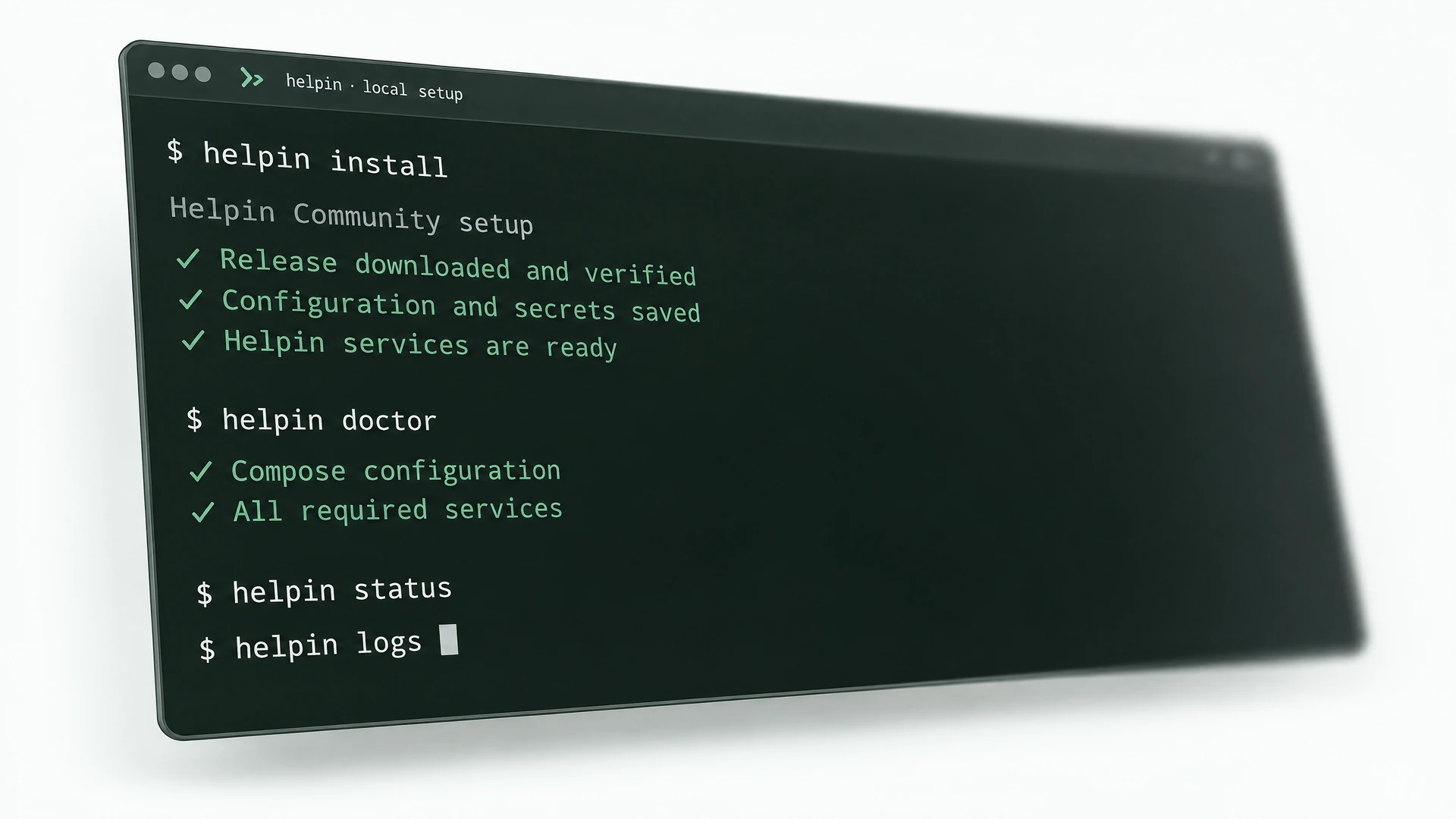
Install Helpin, check its health, read service logs, and run backups, restores, and upgrades from one command-line tool.
$ helpin installFollow the installation checks for your machine or server.
$ helpin doctorInspect the installation and identify what needs attention.
$ helpin logsRead the logs behind an issue instead of guessing what happened.
Evaluate on your laptop, then move to a server with your own domains. The CLI generates the Caddy configuration for the public setup.
Use sample records to explore a conversation, a linked task, and an agent’s answer. Check whether the history helps the next person understand what needs to happen.
localhost:8085localhost:8086localhost:9005Explore with sample data before bringing in customer records.
Suggested evaluation prompt: “What has this customer already tried, and what is the next step in the linked task?”
Connect an AI provider to try the agent’s answer.
Manage customer records and files on infrastructure you operate. Decide which services Helpin uses—and understand where those services process information.
Back up records, files, configuration, and encryption keys. Test a restore before you depend on it.
Read the backup and restore guideConnect Anthropic, OpenAI, or OpenRouter with your own keys and select models for the work. Set each agent’s tools and approval rules separately.
Configure AI connectionsConfigure your widget, published help center, and connected tools for the environment you run. Check access before enabling a new workflow.
Configure your deploymentAll of it: support, docs and help center, AI agents, projects, CRM with meetings, and automation. Coding agents are not part of Community 0.1. Only Cloud billing and hosted AI are left out.
Linux or macOS on amd64 or arm64, with Docker Engine, Compose v2, Bash, OpenSSL, curl, and sha256sum or shasum. Allow 8 GiB RAM and 20 GiB free disk for evaluation; size production for your workload. Native Windows is not supported.
Run curl -fsSL https://helpin.ai/install.sh | bash, then helpin install. A manual bundle installation is also documented.
Yes. Self-hosted Helpin always uses your own providers. Connect Anthropic, OpenAI, or OpenRouter with your keys and choose the model for each agent. Knowledge search uses a separate OpenAI-compatible embeddings setting.
Your team. The CLI includes backup, restore, and upgrade. Upgrades run only between releases that declare a tested path.
Community support is on GitHub. Enterprise adds deployment help and support terms.
Import from Zendesk and Intercom is coming soon.
No. It prepares a Caddy configuration; your team manages DNS, the proxy, and certificates.
Application: AGPL-3.0-only. SDKs and widget: Apache-2.0. If your company can’t use AGPL, Enterprise offers a commercial license.
Docker Compose is the documented route. Kubernetes and fully air-gapped installations are not yet validated.
The complete product under AGPL-3.0, with unlimited users. Or let us run it on Helpin Cloud.
Prefer managed hosting? Explore Helpin Cloud →